


Note Pierce is installed
Your first round is one click away.
Hi. I build Note Pierce and everything else at Crescendo Companion on my own, because I wanted ear training that lives next to the tabs I already have open. Ten questions is a round. That is the whole idea.
1Pin it to your toolbar
New extensions start hidden behind the extensions menu, and a hidden icon is easy to forget. Click the puzzle-piece icon to the right of the address bar, find Note Pierce, and press the pin (on Firefox, the gear, then "Pin to Toolbar"). It stays next to the address bar for good.
2Open it and answer ten questions
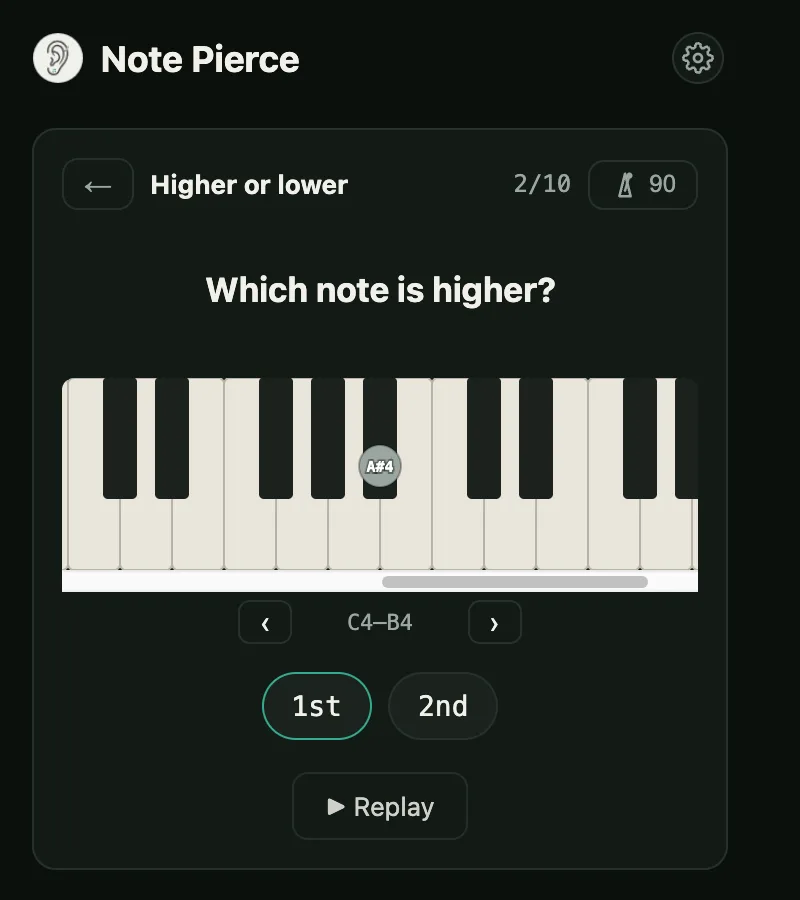
Click the ear icon. Pick Intervals, tap the first level, and a round starts. Each question plays, you pick a chip, and the piano shows the notes that played. Replay is free; only the answer counts. Keys 1–9 answer, R replays, Enter moves on.
3Climb the ladder by ear
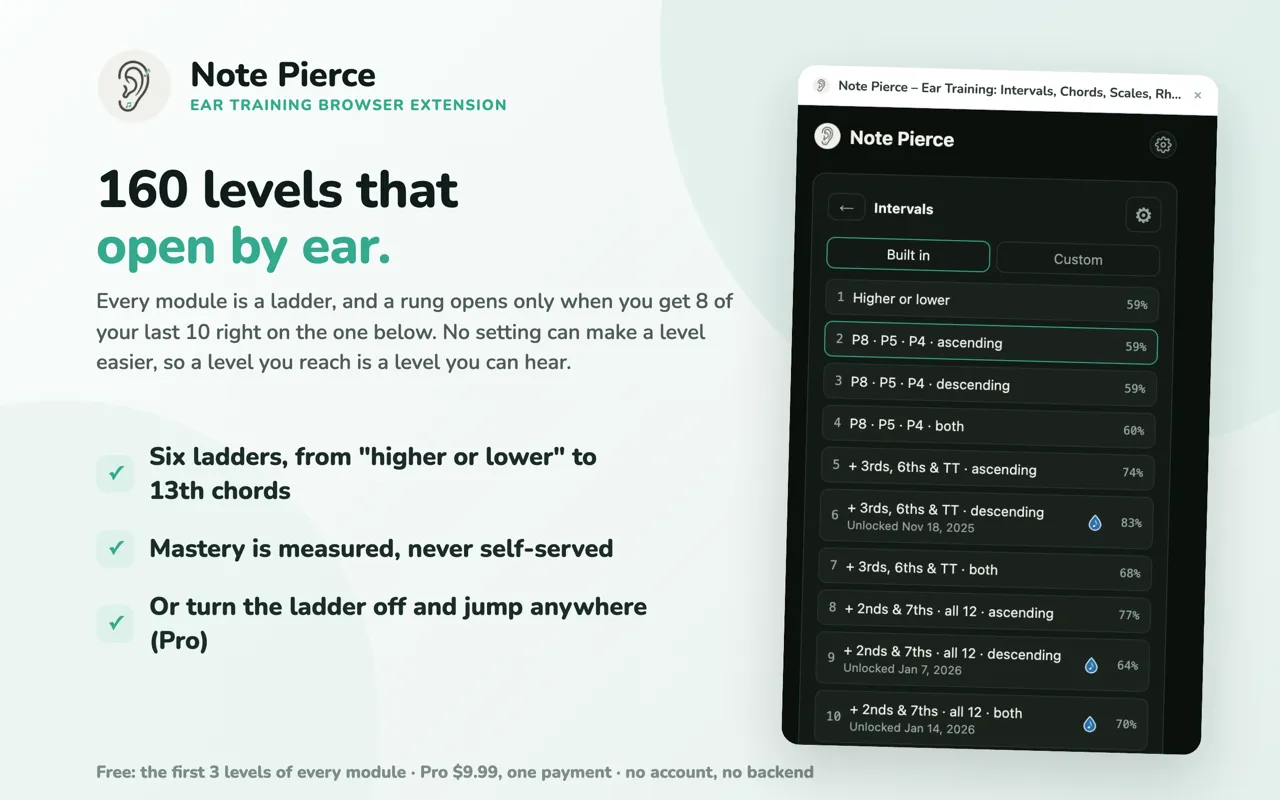
Get 8 of your last 10 right and the next level opens. Six modules, 160 levels: intervals, chords, scales, progressions, inversions and rhythm. The first three levels of every module are free.
4Let Review bring back what you miss
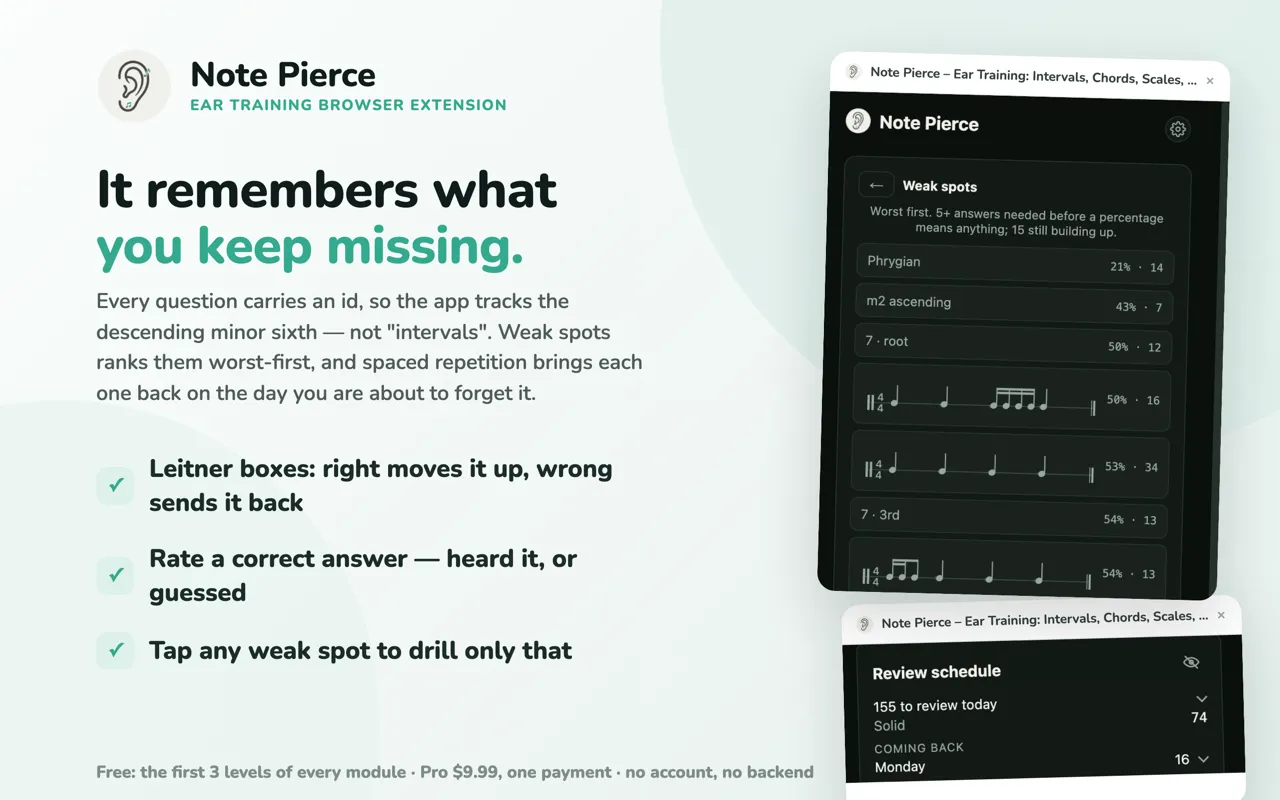
Every wrong answer is remembered as a sound, not a level. Weak Spots shows what needs work, and Review brings each one back when it is due. You practice the thing you got wrong, not a whole lesson again.
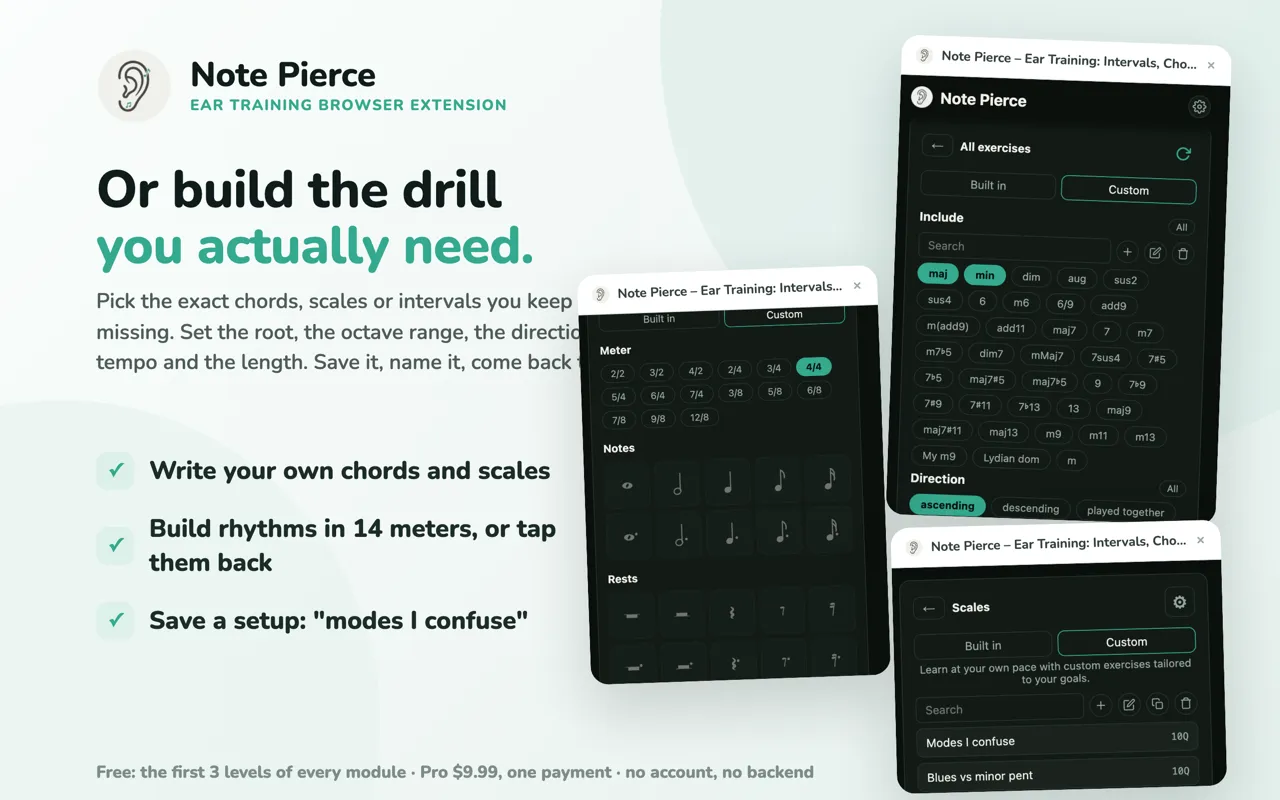
5Build your own drill when you need one
Two intervals you keep confusing? One rhythm that never lands? Custom drill lets you pick the material, root, direction, octave range and tempo, and save it with a name.
Prefer to watch?
A full walkthrough of every screen, longer than you need for a first round.
Good to know
- No account to get started. Nothing to sign up for, no email, no password. Click the icon and play.
- Your practice stays on your device. Nothing is sent anywhere. Export it, import it on another machine, or delete all of it from Settings.
- Free covers the first three levels of every module. Enough to find out whether this is for you before paying anything.
- Pro is a lifetime purchase. One payment, no subscription, no renewal. It opens all 160 levels, the guitar recordings and the extra voices. Restore it on a new computer with the email you paid with.
- Longer session? The ⇱ Side panel button keeps Note Pierce open beside the page. The popup closes when you click away.
- Works the same on Chrome, Edge and Firefox. Thirteen themes, fifty languages, and a practice reminder if you want one. Ignore it if you do not.
Stuck, or something looks wrong?
Email crescendocompanion@gmail.com or read the support page.
Reading this without the extension?
It is free to install. Ten questions, one minute.